
In some situations, it may be necessary to automatically delete files or anonymize certain data after a process instance has been completed. This feature helps organizations comply with confidentiality requirements, internal policies, or regulations such as GDPR.
With HEFLO, you can define a data retention period after an instance is completed and automatically anonymize specific fields or delete associated files.
How Does This Feature Work?
This feature is based on three levels of configuration:
- Environment-level activation
- Field-level authorization
- Retention period configuration in the form
This approach allows you to precisely control which fields can be anonymized or deleted while maintaining flexibility across different processes and forms.
1. Enable Data Anonymization and File Deletion
To get started:
- Go to Manage Environment
- Open the Business Process Automation extension
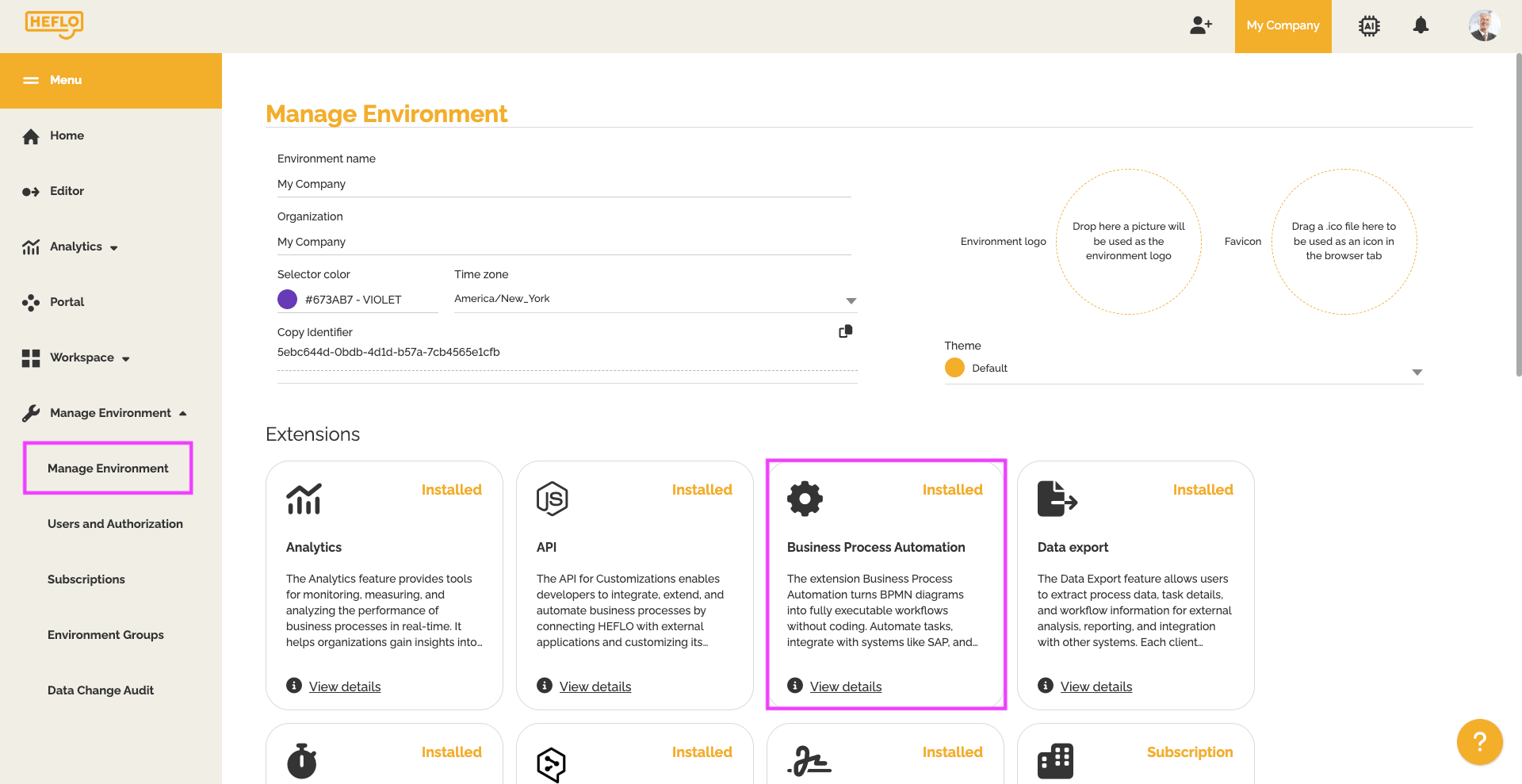
- Enable the option: Enable data anonymization and file deletion
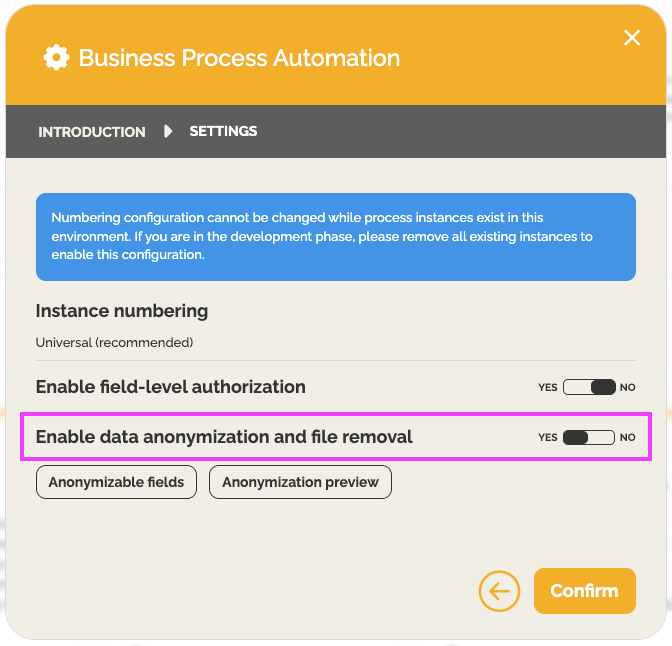
- Click Confirm
Once this step is completed, the feature becomes available in your environment.
2. Allow Anonymization for This Field
Anonymization must then be enabled individually for each relevant field.
You can configure this:
- from the environment field list
- or directly within a process form
To configure a field:
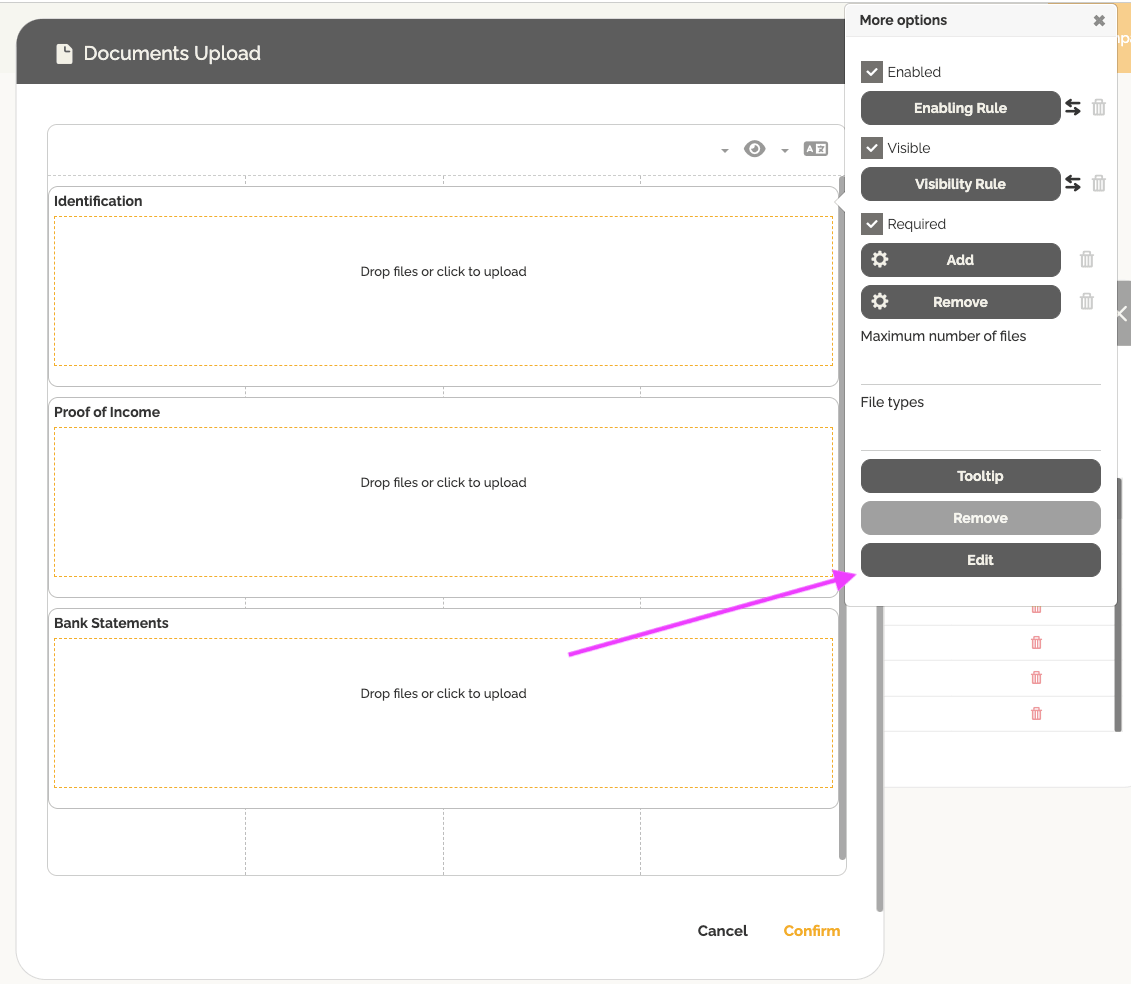
- Open the form
- Select the desired field
- Click Edit
- Enable the option Allow anonymization
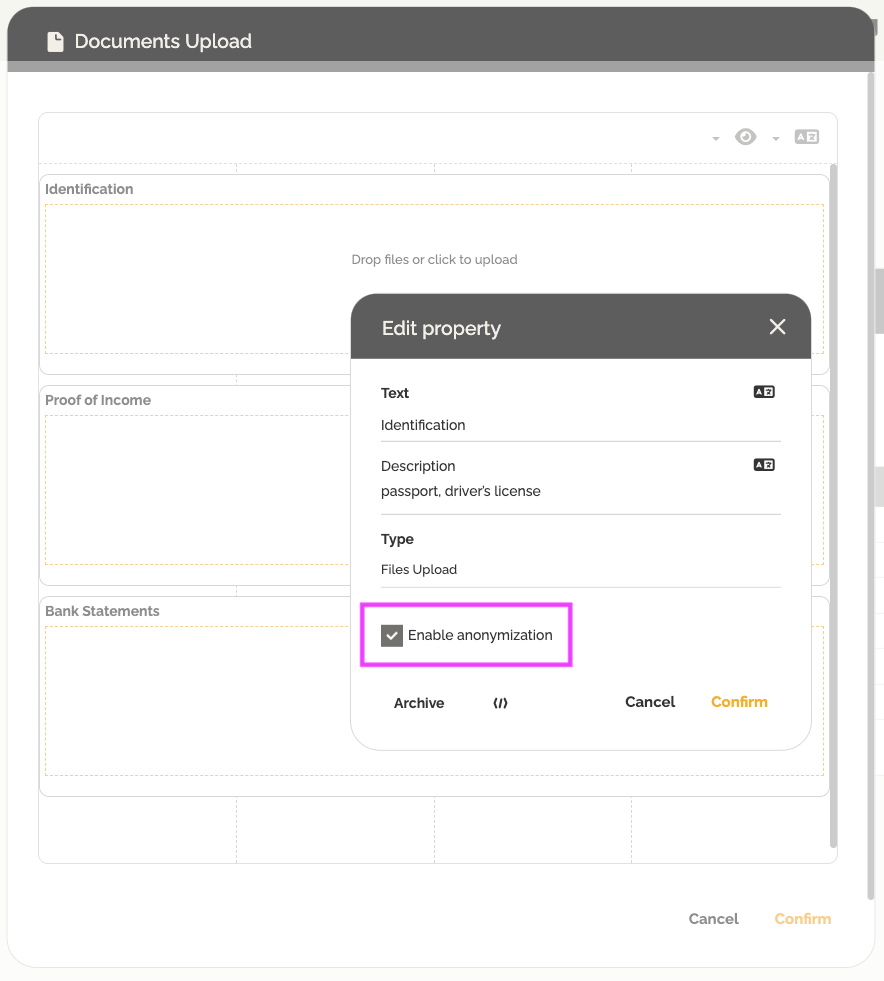
After activation, new options will appear to configure the data retention period.
3. Define the Data Retention Period
Once anonymization is enabled for the field, you can define how many days the data should be retained after the instance has been completed.
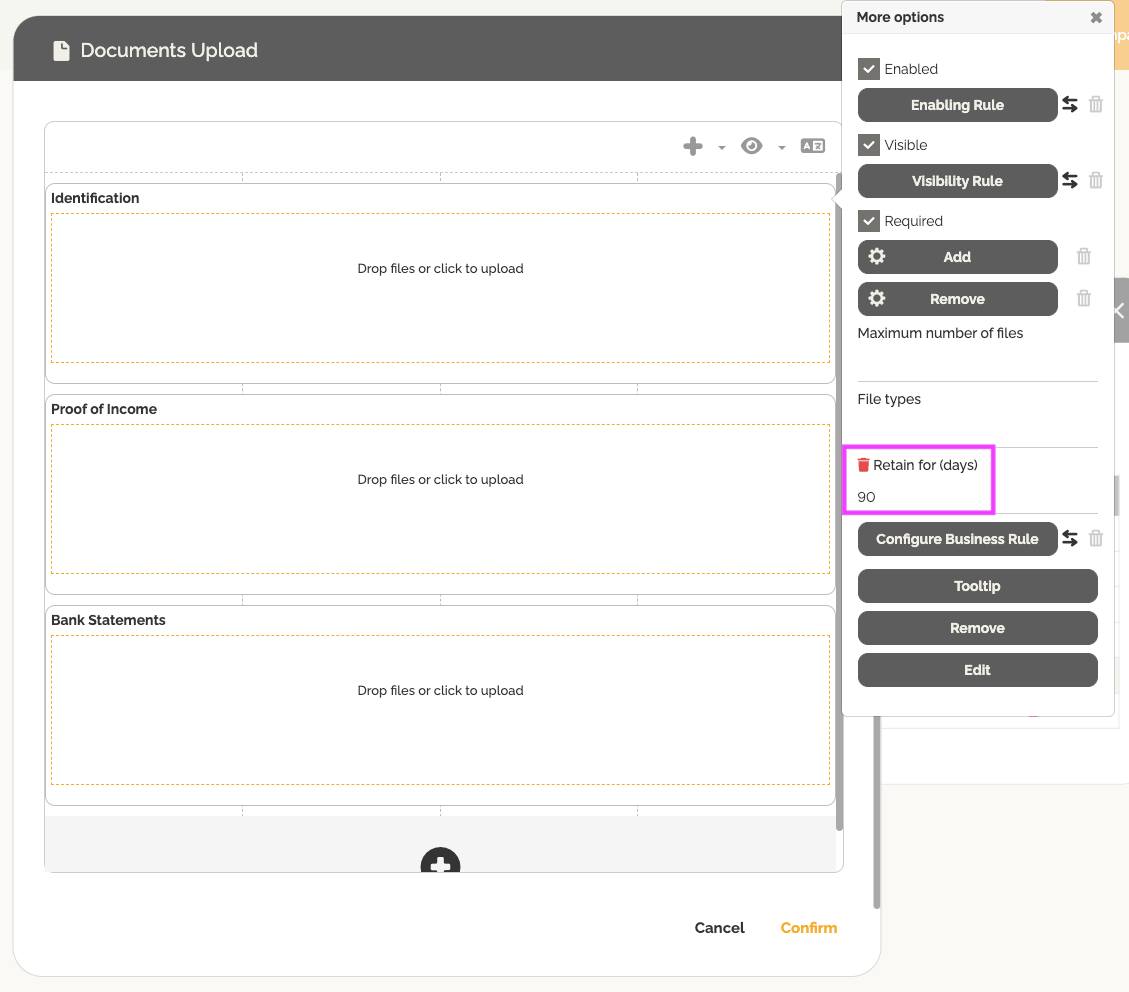
It is also possible to create a business rule to enable or disable this feature based on specific conditions.
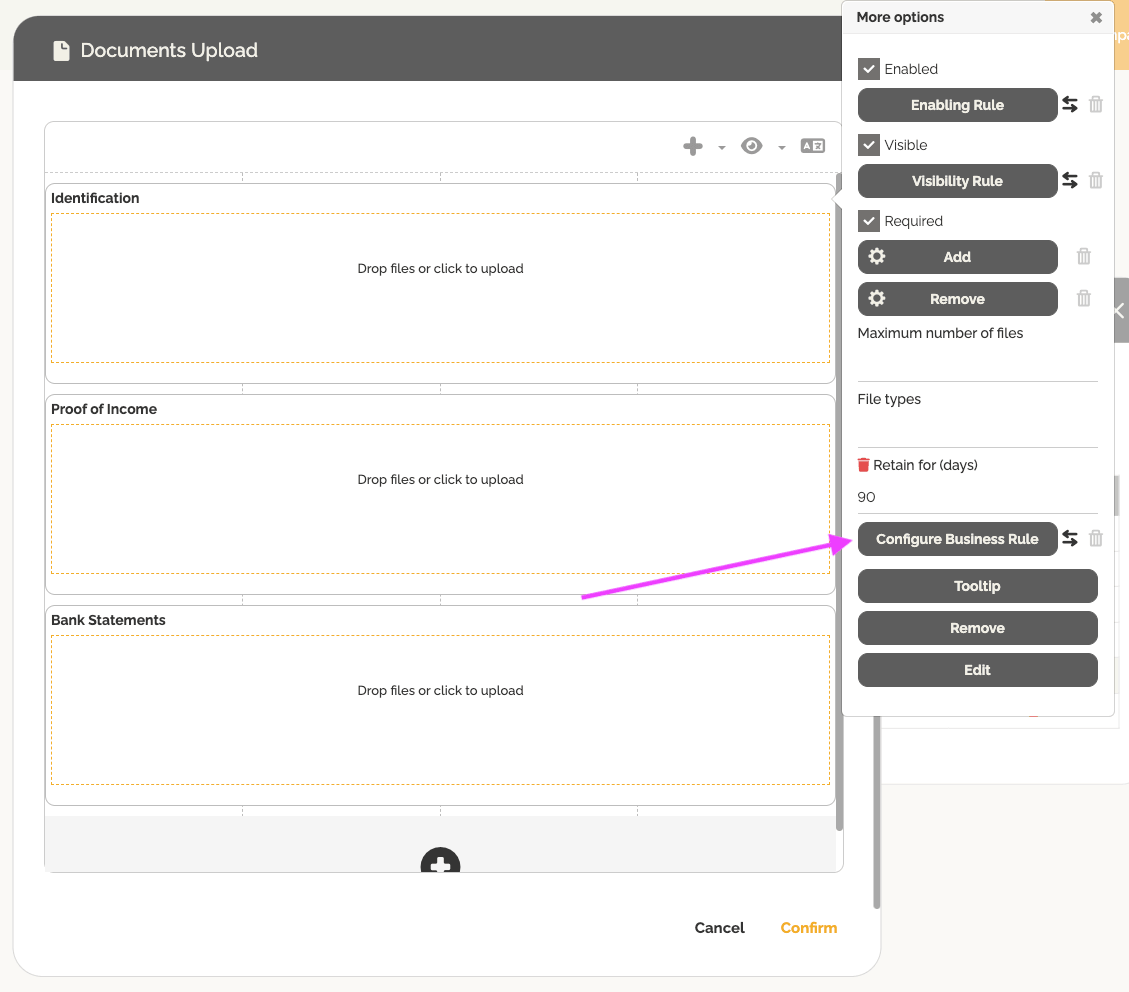
To learn more about business rules: Introduction to Business Rules.
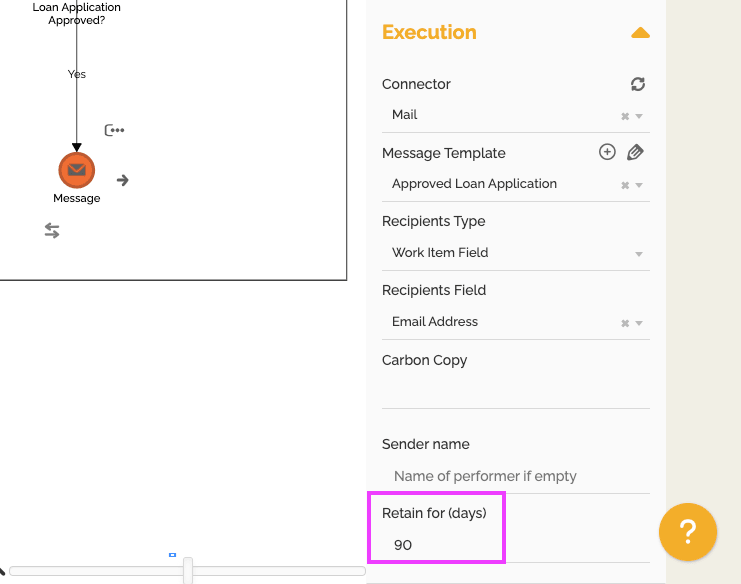
You can also perform this configuration in message (email) type events.
After the configured period expires:
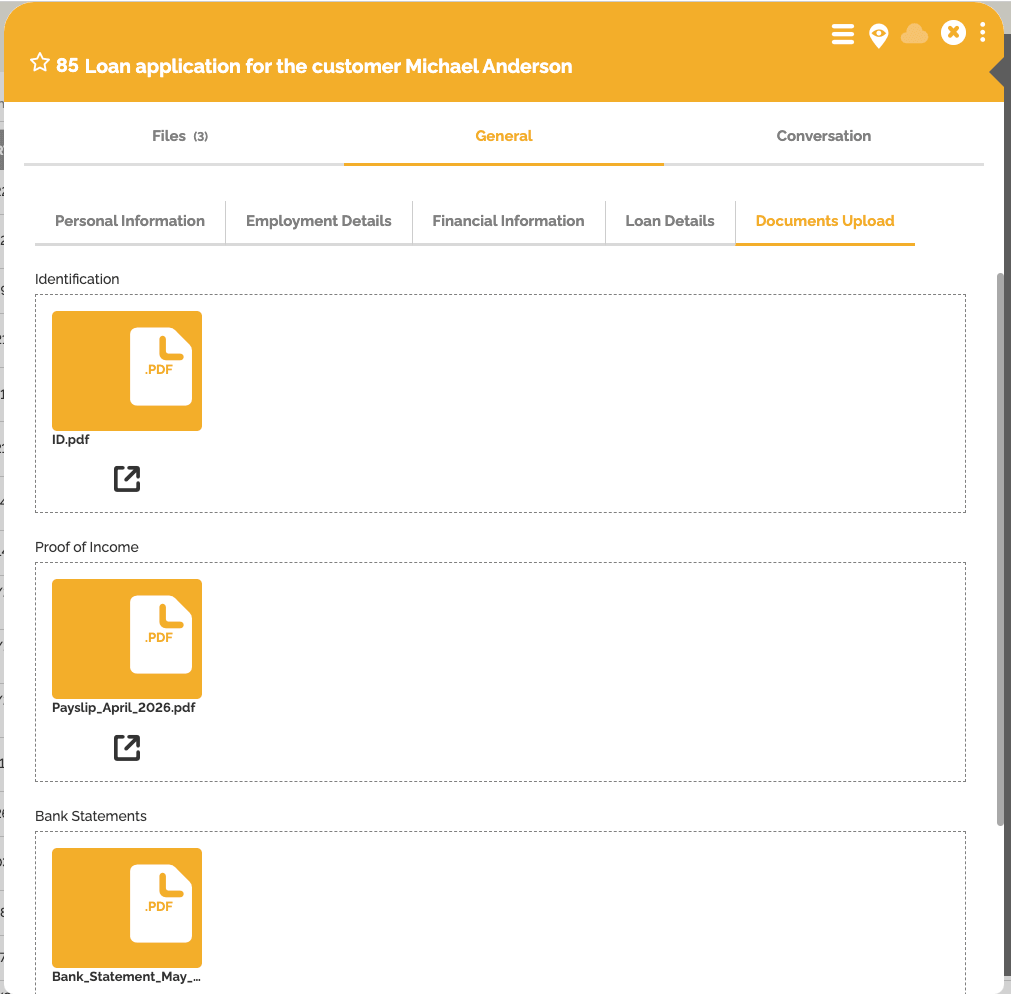
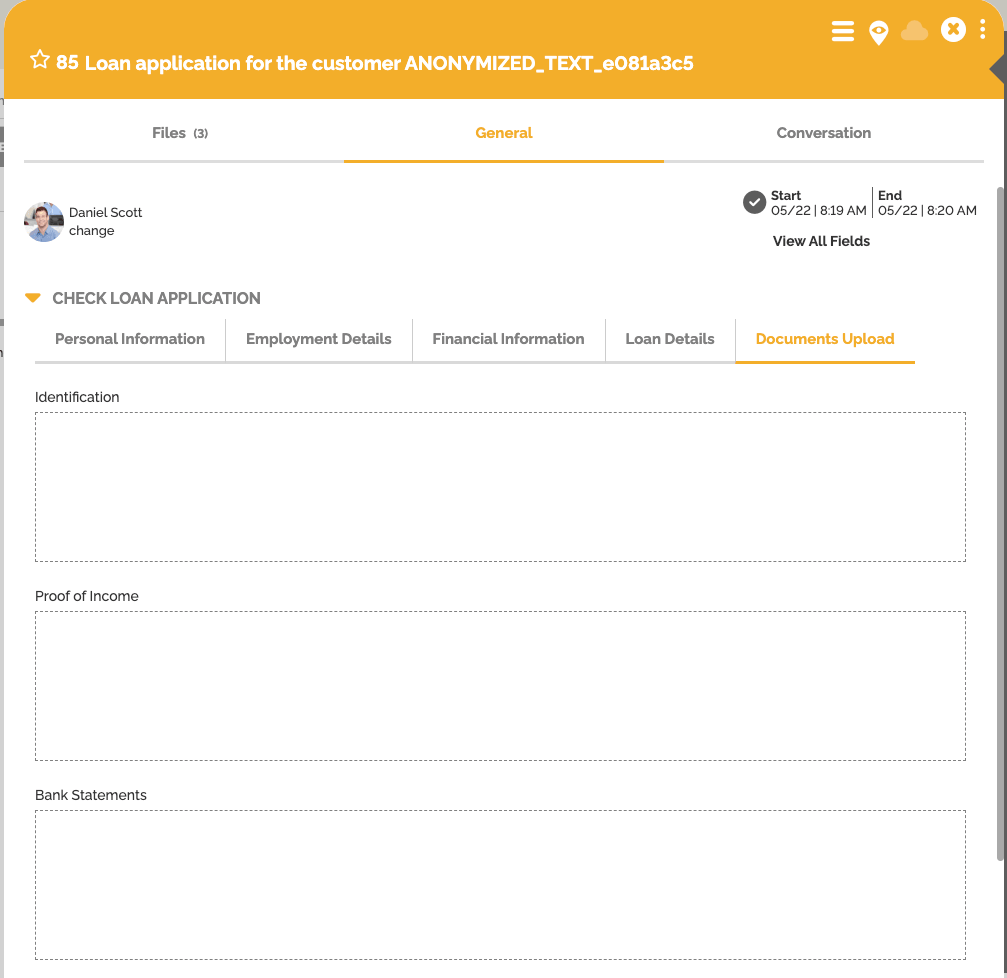
- textual, numeric, monetary, and other field values are anonymized. Numeric values then have the value “0” and dates return today’s date.


- files associated with these fields are automatically deleted from the environment.
- Emails configured with a delay will be deleted from the “conversations” tab.
Additional information:
You can force the anonymization of fields during your test work items. To do this, click on “Force anonymization” when the test work item is complete. You can also cancel this action by clicking the “Deanonymize” button below.
Security Configuration Levels
For security and flexibility reasons, HEFLO uses three levels of validation:
| Level | Description |
| Environment | Enables the feature globally |
| Field | Allows anonymization for a specific field |
| Form | Defines the retention period within the form |
This makes it possible, for example, to use the same field in multiple processes or forms while applying different rules depending on the context.
Common Use Cases
This feature can be used for:
- HR processes containing personal documents
- recruitment processes with resumes and attachments
- forms containing sensitive data
- processes subject to GDPR or internal data retention policies